How to Withdraw Cryptocurrency from an Exchange to a Wallet
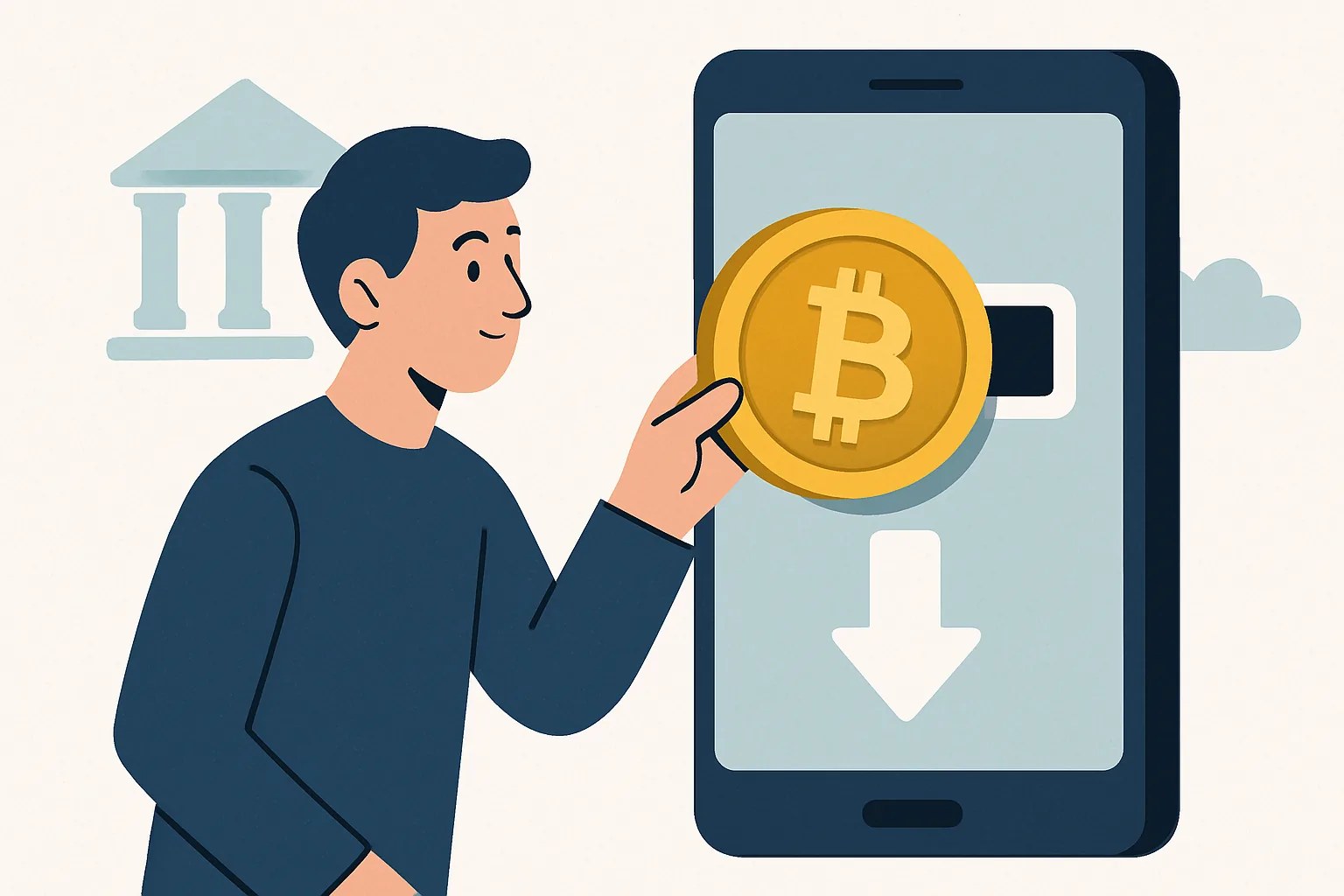
How to Withdraw Cryptocurrency from an Exchange to a Wallet
Withdrawing cryptocurrency from an exchange to a wallet sounds simple, and in many cases it is. Still, the first time deserves careful attention. A few small choices — the wrong address, the wrong network, a rushed click — can turn an ordinary transfer into a costly mistake. That is why it helps to understand the process before you send anything.
At its core, a withdrawal means moving crypto you hold on an exchange into a wallet you control yourself. On the exchange, your balance is usually held in an account the platform manages. In a personal wallet, the private keys are under your control, which is why many users prefer this setup for long-term storage, larger balances, or simply peace of mind. If you are still deciding where to keep different assets, it may also help to read about How to Choose a Cryptocurrency Exchange for Beginners before you move funds around.
There is a basic warning worth repeating: sending crypto to the wrong address or on the wrong network can permanently lose funds. Unlike a bank transfer, there is usually no easy reversal. That is not meant to frighten you; it is just the reality of blockchain transactions. A careful approach solves most of the risk.
1. Understand the Basics Before You Start
An exchange wallet and a self-custody wallet are not the same thing, even if both display a balance in the same coin. An exchange wallet is tied to your account on the platform. The exchange handles custody, and in many cases you only see a deposit and withdrawal interface rather than direct control over the underlying keys.
A self-custody wallet, by contrast, is a wallet you manage yourself. That might be a mobile app, a desktop wallet, a browser extension, or a hardware wallet. In these cases, you receive a public address for incoming funds and keep the recovery phrase or private keys safe. The benefit is control. The tradeoff is responsibility. If you lose access details, there is no support desk that can magically restore everything.
People withdraw crypto for several reasons. Some want to store assets offline in a hardware wallet. Others want to move funds to a wallet for DeFi, staking, or simply to reduce exposure to exchange risk. Some users also prefer to consolidate holdings on one platform or transfer coins to a different service where a particular asset is easier to trade. For example, if you are moving assets such as ETH, BTC, or SOL, it can be useful to compare practical options before you start: Где купить Ethereum Ethereum ETH, Где лучше купить Bitcoin Bitcoin BTC, and Биржи для покупки Solana Solana SOL за криптовалюту are good examples of pages that can help you see how different networks and platforms are discussed.
The essential point is this: withdrawing crypto is not just “send and done.” You need to know which coin you are sending, which chain it travels on, and which wallet can receive it. That sounds technical, but once you break it into steps, it becomes manageable.
2. Check Your Wallet Address and Supported Network
Before you even open the exchange, open your wallet and find the receiving address. Most wallets include a visible “Receive” button or tab. When you select it, the wallet shows an address string and, in some cases, a QR code. That address is what you will paste into the exchange withdrawal form.
Now comes the part that deserves extra care: verify the correct coin and blockchain network. Not every version of a token is the same. A coin may exist on multiple chains, and many tokens have several standards. If your wallet expects one network and the exchange sends on another, the transfer may fail or end up on a network your wallet does not display. This is one of the most common mistakes people make when moving funds.
Examples help here. A token might be available as an ERC-20 asset on Ethereum, but also on another chain or as a wrapped version elsewhere. Stablecoins are especially notorious for this. The name looks familiar, the balance looks right, and yet the route is different. That is why the network dropdown on the exchange matters as much as the address itself.
Always match three things:
- The exact coin or token you are sending
- The correct receiving address format in your wallet
- The blockchain network selected on the exchange
If the exchange and wallet both support the same network, you are on safer ground. If not, stop and double-check before proceeding. A few minutes of verification is far better than discovering a problem after the transaction has already left the exchange.
It also helps to confirm whether the wallet supports the specific token standard. For example, a wallet may support Bitcoin but not a token issued on a side network, or it may support Ethereum mainnet but not a bridged version of the same asset. These distinctions sound tedious until the moment they matter, which is usually right before an irreversible transfer.
3. Log In to the Exchange and Open the Withdrawal Page
Once your wallet address and network are confirmed, sign in to the exchange account. Use the official website or app, and take the usual precautions: check the URL, avoid suspicious links, and make sure you are not logging into a phishing page. If the exchange looks unfamiliar or you are testing a new platform, it can be wise to review guidance on legitimacy first, such as How to Verify a Cryptocurrency Exchange Is Legitimate.
Inside the exchange, look for a section labeled Withdrawal, Send, or Transfer. The exact label varies by platform, but the process is usually similar. Select the cryptocurrency you want to move. If you hold several assets, make sure you choose the correct one before pasting the address. It is surprisingly easy to select the wrong coin when the interface lists many options close together.
Then paste your wallet address into the destination field. Avoid typing it manually. Copy and paste reduces the risk of a single character error, although you should still verify the first and last characters afterward. Some users also compare the address against the one shown in the wallet app to make sure nothing changed during copying.
Next, choose the network. This step matters as much as the address. If the exchange offers multiple chains for the same asset, select the one your wallet supports. Only after those details are correct should you move on to the amount and final review.
Before you continue, many exchanges will show a summary screen. Treat it as a final checkpoint, not a formality. Read the coin name, address, network, fee, and amount. A calm review here prevents a frantic support ticket later.
4. Review Crypto Withdrawal Fees and Minimums
Crypto withdrawal fees are the charges an exchange applies when you move funds off the platform. They are not always the same as network transaction fees, though in practice they often reflect the cost of broadcasting and processing the transaction. Some exchanges bundle these costs into a fixed withdrawal fee; others adjust them according to blockchain congestion or the specific coin.
Why do exchanges charge them? In part, to cover operating costs. In part, because each blockchain transfer has a real on-chain expense. A transfer on one network may be cheap and quick, while another may be more expensive or slower depending on demand. The fee can vary by coin and network, so it is never wise to assume yesterday’s fee still applies today.
Minimum withdrawal limits matter too. An exchange may require that you withdraw at least a certain amount of a coin, otherwise the request will not go through. This can be especially relevant when you are moving small balances. If your balance is close to the minimum, the fee may consume a meaningful portion of the transfer. In plain terms: small withdrawals can be uneconomical.
Fee schedules change. Sometimes they change with little warning, sometimes with a public notice. Always check the exchange’s withdrawal page before sending. Do not rely on an old screenshot, a forum comment, or a memory from last month. The live fee and minimum displayed on the platform are the numbers that matter.
It is also worth remembering that a lower fee does not always mean a better choice. A cheap network can be the wrong network if your wallet does not support it properly. In that case, saving a little on the fee can cost a lot more in troubleshooting, or worse.
5. Confirm Security Checks and Complete the Withdrawal
Exchanges usually add security checks before approving a withdrawal, and that is a good thing. Depending on the platform, you may need to complete two-factor authentication, confirm by email, approve a push notification in an authenticator app, or enter an SMS code. Some exchanges also use address whitelisting, which lets you withdraw only to previously approved addresses.
These checks slow the process slightly, but they protect your funds. If someone gains access to your login, the extra barrier can stop them from sending your crypto away in seconds. For serious users, address whitelisting is worth enabling when available. It creates a small delay when adding a new destination, but that delay is often the point.
Before the final submission, do one last comparison. Look at the destination address, the network, and the amount. If your wallet app displays a QR code and a text address, compare both with what you pasted into the exchange. If the interface allows it, send a small test transfer first, especially for a new address or a new network. That extra step can save a great deal of stress.
Then confirm the withdrawal. In many cases, the exchange will mark it as pending, processing, or completed depending on its internal status and the blockchain stage. Remember that “completed” on the exchange does not always mean the funds are instantly usable in your wallet. The chain still needs to confirm the transaction.
6. Track the Transfer and Understand Network Confirmation Time
After the withdrawal is submitted, the blockchain takes over. This is where network confirmation time comes in. A confirmation is a block added to the chain that includes your transaction, and additional confirmations provide further assurance that the transfer is settled. Different networks confirm transactions at different speeds, which is why one transfer may appear quickly while another seems to crawl.
Several factors affect how long it takes. Network congestion is a major one. If many users are sending transactions at the same time, blocks can fill up and transfers may wait longer. The fee also matters, because some networks prioritize transactions that pay more. In simple terms, the selected network, current demand, and fee settings can all influence arrival time.
Once the exchange provides a transaction ID, also called a TXID or hash, you can use it to track the transfer on a block explorer. Paste the transaction ID into the explorer for the relevant chain, and you should see its status, confirmations, and destination address. This is one of the most useful tools for staying calm during a pending withdrawal. Instead of guessing, you can check what the network is actually doing.
If the explorer shows that the transaction exists but has few confirmations, patience is usually the right move. If it shows no transaction at all, you may be dealing with a withdrawal that has not been broadcast yet, or a platform delay. In those cases, check the exchange’s status page or support notices before assuming the worst.
7. Verify Receipt in Your Wallet and Troubleshoot Problems
When the transfer reaches your wallet, the balance should update after the necessary confirmations. Sometimes the wallet app shows the incoming transaction immediately but does not count it as fully available until more blocks are added. That is normal. The display may change from pending to confirmed as the network settles the transfer.
If the funds do not appear, start with the basics. Confirm that you are looking at the correct wallet and the correct network. Many wallets can display several chains, and a transfer may land on one while you are viewing another. Also check whether the token needs to be manually added to the wallet interface before it becomes visible. This is common with less familiar assets.
Common troubleshooting points include:
- The withdrawal was sent on an unsupported network
- The address was copied incorrectly
- The token exists, but the wallet has not imported it for display
- The transaction is still waiting for confirmations
- The exchange has not yet broadcast the withdrawal
If the transaction is pending for longer than expected, check the TXID on the relevant block explorer first. That gives you a clearer picture than the exchange interface alone. If the transaction is confirmed on-chain but the wallet still does not show it, contact wallet support and provide the TXID, sending address, receiving address, network, and token details. If the exchange shows an error or the withdrawal remains stuck on their side, contact exchange support as well and include the same information.
One important habit helps here: save screenshots or notes of the withdrawal details before sending. Not because you will need them every time, but because when something goes wrong, clean records make support conversations much easier. A missing hash, an unclear network choice, or a blurry address can slow the fix.
In the end, withdrawing cryptocurrency from an exchange to a wallet is mostly about precision. Know what you own, know where it is going, and know which network will carry it there. Check the address. Check the chain. Check the fees. Then check them again. That may sound cautious, but in crypto, caution is often just another word for good practice.
HYIP Articles



Random quote about money
"За деньги нельзя купить друзей, но можно завязать немало интересных знакомств. Есть вещи важнее денег, но без денег эти вещи не купить."
Interesting posts in other sections of the blog











 ↑
↑
* to search the proxy database, just enter a country name, e.g. Russia, USA, Thailand