How to Spot a Crypto Exchange Phishing Email
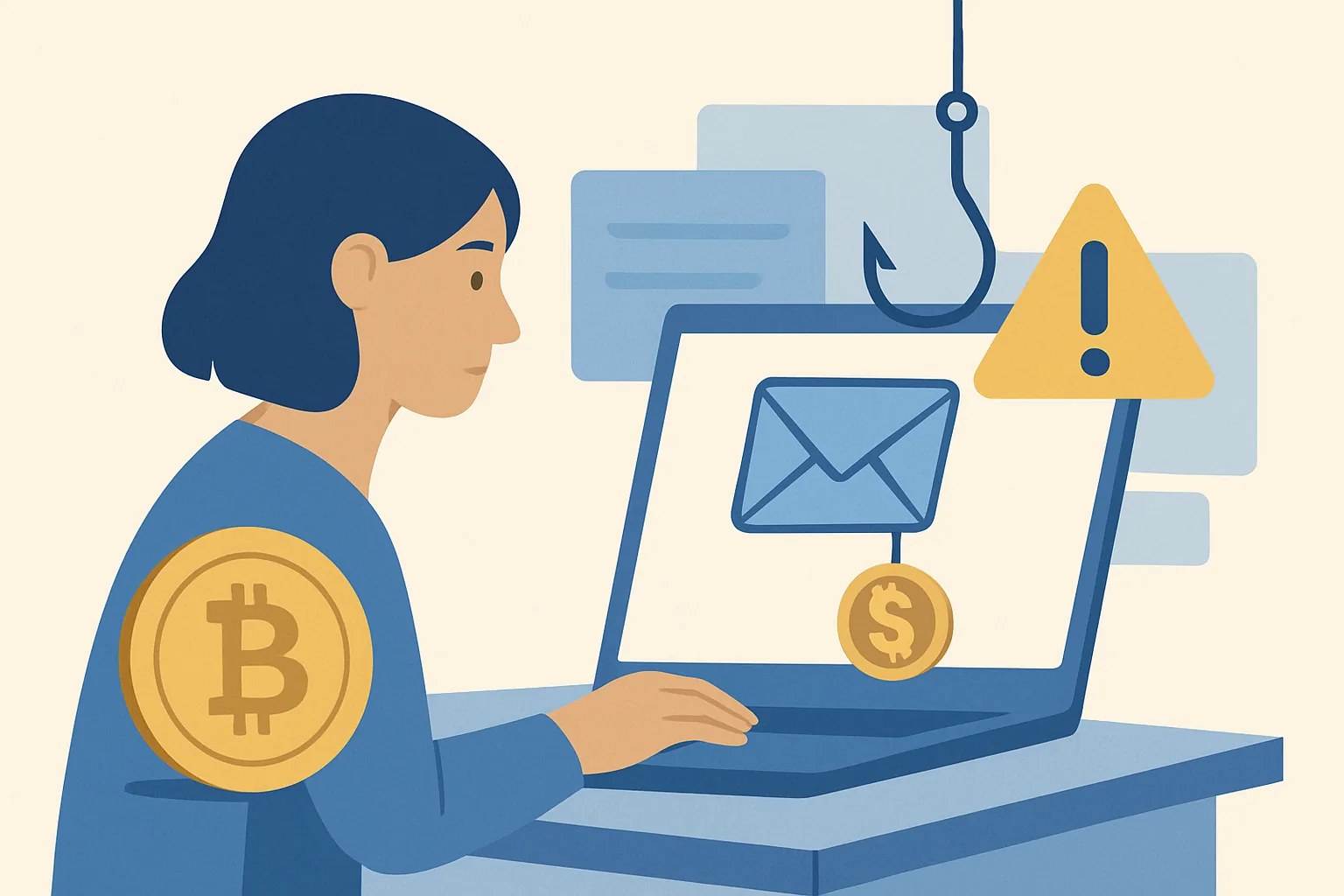
Why exchange phishing emails are a different threat than fake exchanges
A fake exchange tries to own the whole website. A phishing email takes a shorter route: it borrows the name of a real exchange and pushes you toward one bad click. That difference matters because the exchange may be legitimate, the logo may be correct, and the damage still begins in your inbox.
This is why how to spot a crypto exchange phishing email is not the same exercise as checking whether a trading platform exists. A real exchange can send a real notice about a login alert, a password reset, or a withdrawal review; a phishing email copies that behavior and hopes you react before you think. Two minutes is enough to catch many of them.
Inbox scams also move faster than site scams. A fake website can sit there until you close it. A phishing email asks for action now, sometimes in 1 click, and that urgency is the whole trick.
Check the sender identity and routing details first
Start with the From line, not the body. If the message says it is from “support” but the address comes from a long random domain, you already have a problem. One character matters here, especially if the domain swaps a letter for a number or adds a hyphen where none should be.
Look at the reply-to address too. Some phishing emails use one address in the From field and another in reply-to, so your response goes somewhere else. That mismatch is a classic sign, and it takes under 10 seconds to inspect.
Check the full sending path if your mail app shows it. Messages that claim to be from a major exchange but arrive through a consumer mail service or a strange relay are not behaving like normal corporate mail. If the sender infrastructure looks off, the email is off.
A careful reader will also compare the display name against the domain. “CoinBase Security” with a free mailbox is not CoinBase Security. The name can say anything.
Look for email-specific red flags in the message body
Phishing emails love pressure. “Your account will be frozen in 24 hours” is a favorite line because it narrows your thinking to one task: click first, check later. Real exchanges do send warnings, but they usually give you a clear place to verify them.
Generic greetings are another clue. “Dear user” or “Valued customer” may sound polite, yet real account notices often show a username, a partial email, or another detail tied to your account. A message that cannot name you is often not meant for you.
Watch the wording around verification. If the email asks you to confirm identity, re-authenticate, or “secure your wallet” with no context, treat it as hostile until proven otherwise. Short, vague instructions are cheap to send and expensive to trust.
Formatting can betray the sender too. Broken spacing, uneven fonts, and awkward logo placement happen often enough to matter. One ugly template is not proof, but three together should make you stop.
Some phishing emails mimic support updates, then ask for information no exchange should ask for by email. Seed phrases, full passwords, and one-time codes belong in the danger column. So do messages that ask you to “reply with the code.”
Verify links and attachments without opening them
Never click first. Hover over every link and read the destination before you touch it. On desktop, the preview bar usually shows the real URL; on mobile, long-pressing can reveal enough to spot a fake domain.
A lookalike domain is the classic trap. It may swap an “l” for an “I,” add “-secure,” or move the brand name into the middle of a different web address. If the link is not exactly where the exchange normally lives, ignore it.
Attachments need the same suspicion. PDFs titled “Security Notice,” “Invoice,” or “Account Review” can carry a false sense of legitimacy, but the filename tells you almost nothing. If an email pushes a file before any independent confirmation, treat it as high-risk.
Even when a link looks clean, ask one more question: does this request belong in email at all? Many exchanges handle sensitive actions inside the app or after a login to the official site. Email is the weakest place to start a security action.
If you want a broader sense of how exchange messages can be tied to account access and retention, see crypto exchange data retention and account. That topic is separate, but it helps explain why a phishing email may be trying to reach data you already handed over months ago.
Compare the email with the exchange’s normal communication style
Pull up 2 or 3 old emails from the same exchange if you have them. Compare the sender, subject line, branding, footer text, and the type of request. Real exchanges are often repetitive in a good way; they use the same style for login alerts, withdrawal confirmations, and support notices.
Now compare the tone. A real notice might be plain and slightly dull. A phishing email often sounds dramatic. It may over-explain, over-warn, or push a strange emotional hook that the exchange never uses.
Check whether the message fits the timing of your account activity. If you did nothing unusual, then an urgent “new device login” or “account review” email deserves extra skepticism. Context matters more than polished graphics.
Support portals help here. If the exchange keeps a message center inside the account, see whether the same alert appears there. If it does not, that discrepancy is worth attention.
On exchanges with app alerts, the in-app notice often arrives before, or alongside, email. If email is the only channel used for a serious request, ask why. That single question catches a surprising number of phishing emails.
Confirm the request through a separate official channel
Do not reply to the email. Open the exchange by a bookmark you already trust, or use the app you installed earlier. Then check the same alert from inside the account, where the request can be verified without touching the suspicious message.
If the email says your withdrawal was blocked, compare it with the account dashboard. If it says you need to reset a password, go straight to the official login page and start from there. The message may be real, but the route still matters.
Support chat or a known support address can help, but only if you reach it independently. Search results are not the place to begin, because a fake support page can sit above the real one. One bookmarked link beats ten fresh searches.
If the exchange offers a help article or public status page, use that too. For readers who deal with account changes often, what changed in crypto exchange regulation shows how official communication tends to be structured around policy and compliance, not panic.
Never send identity documents or codes because an email demanded them. A real exchange may ask for verification, but the path is usually inside a secure account flow, not through a reply button in your inbox.
What to do immediately if you already clicked or replied
If you clicked, act fast. If you entered a password, change it on the real exchange site and on the email account tied to that exchange. One exposed email can become two breached accounts if you reuse passwords.
Reset 2FA if you suspect the phishing email captured a code or pushed you to a fake login page. That may mean re-binding your authenticator app, rotating backup codes, and checking whether SMS recovery settings were altered. The exact steps depend on the exchange, so check the recovery process before you start.
Review recent login activity right away. Look for devices, locations, or timestamps you do not recognize. A single suspicious login should be treated as a live warning, not a historical note.
If you replied with account details, tell support that your credentials may be exposed. Give them the time, subject line, and any link you clicked. The faster they know, the faster they can freeze risky actions like withdrawals or API changes.
If you clicked a file, scan the device and check whether the attachment opened outside the browser. Desktop malware is not guaranteed, but the risk is higher when an email uses office files, PDFs with embedded links, or archive files. One careless open can ripple across every account on that machine.
A quick decision checklist before taking any action
Use this 3-step pause-check-confirm habit every time an exchange email asks you to log in, reset, approve, or withdraw. First, pause for 10 seconds. Second, check the sender, link, and wording. Third, confirm the request through the official app or bookmarked site before you do anything.
Ask four questions in this order: Did I expect this? Does the sender address match? Is the link exact? Can I see the same request inside the account? If any answer is no, stop.
A short rule helps under pressure: never act from the email itself. That sounds simple because it is simple, and simple rules survive stress better than clever ones.
Some readers like a printed checklist near their desk, and that can help. A handwritten “pause-check-confirm” note takes 5 seconds to read and may save an account.
If you also follow exchange updates through market tools, keep separate mental buckets for data and action. For example, how to use CryptoQuant belongs to analysis, not authentication, and that distinction matters when a phishing email tries to pull you into a fake login flow.
| Signal | What to check | Action |
|---|---|---|
| Sender | From, reply-to, domain spelling | Stop if anything looks off |
| Message | Urgency, generic greeting, odd formatting | Do not trust the tone alone |
| Links | Hover URL, lookalike domain, attachment type | Confirm outside the email |
| Request | Password reset, approval, withdrawal, code | Use app or bookmarked site |
One last point: if the email arrives during a real account event, the safest move is still to verify through the exchange directly, not through the email thread. That habit is slow by seconds and fast by consequences. The inbox is not the place to gamble with your login.
HYIP Articles


Random quote about money
"Чтобы создавать прекрасное, нужна крепкая финансовая поддержка."
Interesting posts in other sections of the blog












 ↑
↑
* to search the proxy database, just enter a country name, e.g. Russia, USA, Thailand