

What “changed after 2026” means for exchange security
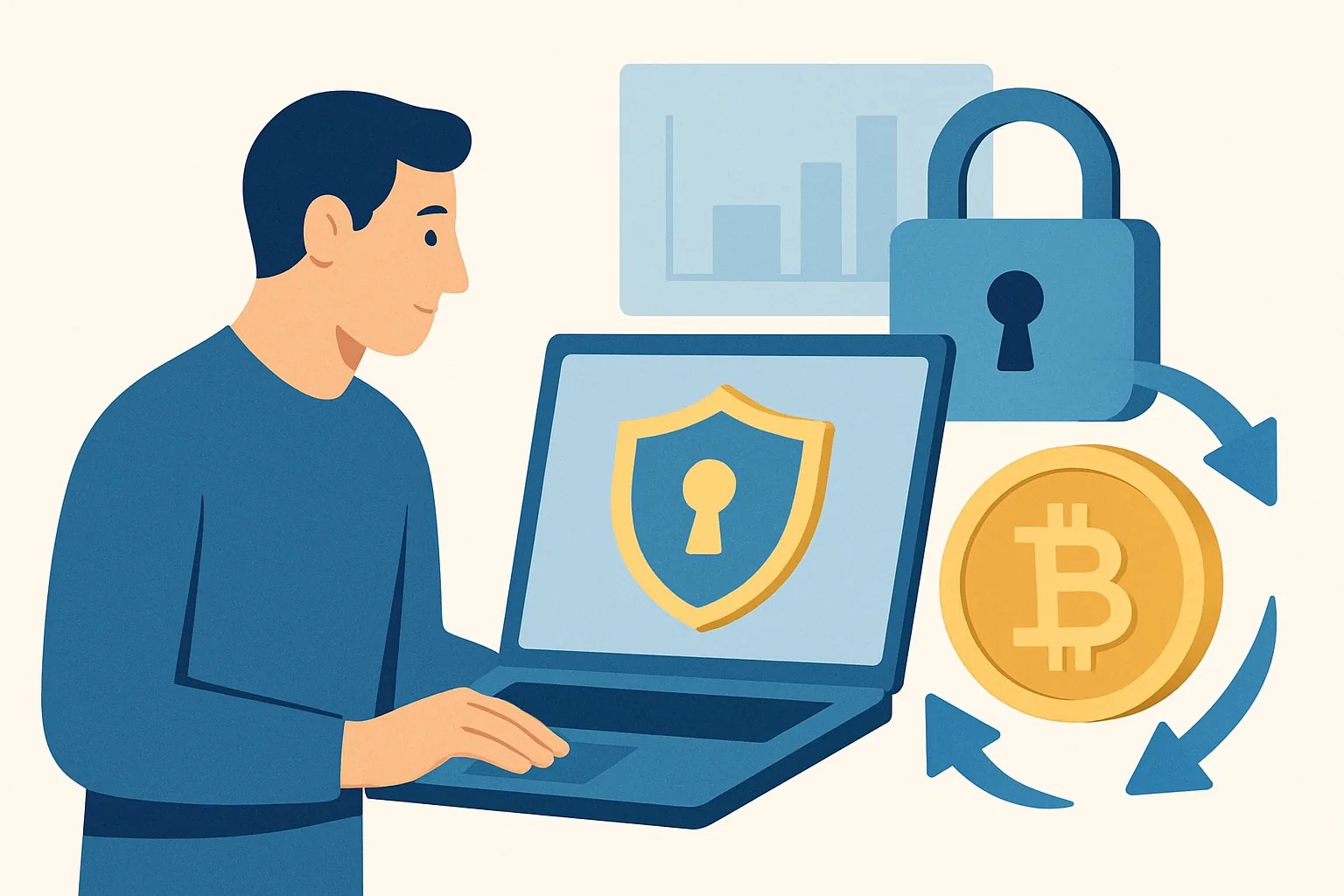
Post-2026 exchange security changes are narrower than people assume. They usually mean user-facing controls around account access, session checks, device trust, and recovery steps, not a full history of every exchange hack or a broad rewrite of compliance rules. That distinction matters because a login prompt can change your day, while a back-end custody change may never show up on your screen.
Think of it this way: if an exchange now asks for a second check when you sign in from a new phone, that is a post-2026 security change. If the exchange quietly moved some funds between wallets, you might never notice unless you read a disclosure. The user impact is different. One blocks access for 2 minutes; the other changes how the exchange judges risk behind the scenes.
This is why the phrase
what changed in crypto exchange security after 2026 and what users should do
needs a tight definition. The useful question is not “what changed everywhere?” but “what changed at the moment I log in, trade, withdraw, or recover my account?” That is where users feel the difference.The post-2026 security features users are most likely to notice
Several controls now show up more often in exchange interfaces. Device binding is one of the most visible: the exchange remembers one or more trusted devices and treats a new one as higher risk. If you switch from a laptop to a fresh phone, expect a step-up check. Not every time, but often enough to matter.
Passkey-first login is another change users see immediately. Instead of relying only on a password and a code, the exchange may push you toward biometric or device-based approval. That can feel easier after the first setup, yet the setup itself can be fussy. A passkey stored on one phone does not magically appear on another.
Withdrawal locks are getting stricter too. After a change to your password, recovery email, 2FA method, or withdrawal address, the exchange may pause withdrawals for a set period. A 24-hour lock is common enough to mention, but readers should check each platform’s policy rather than assume it. One wallet transfer can wait; your account compromise cannot.
Stricter session rechecks also matter. Some exchanges now end sessions faster, ask you to re-enter a code after inactivity, or flag logins from a new location as suspicious. If you trade from coffee shops, airports, or shared office Wi-Fi, you may run into this more than once a month.
For readers comparing account controls with other account-level friction, it helps to read about crypto exchange withdrawal limits by verification. Limits and security often sit in the same policy page. They should.
When a security change affects you: login, trading, or withdrawals
Not every security change hits the same way. A login change is the mildest case: you may need a passkey, a code, or a confirmation from an old device. Trading changes are less common, but they can appear when the exchange treats your session as risky and blocks advanced actions such as setting leverage, moving to a sub-account, or changing API settings.
Withdrawals are where users notice the sharpest edge. If you add a new withdrawal address, change your phone, or fail a risk check, the exchange can pause the transfer. That pause can last 1 hour, 24 hours, or longer depending on the platform.
One practical example: you open the exchange app from a new IP address while traveling. The account may still let you log in, but it may freeze withdrawals until you confirm the login through email or passkey. Another example: you change your authentication method after losing a phone. The exchange may then treat your account as newly exposed and delay high-risk actions. Simple, but annoying.
There is a second layer here. Some exchanges now score sessions silently, which means the interface might not say “risk score 82” or anything so obvious. Instead, you feel it as a longer login path, one extra prompt, or a blocked withdrawal. If the account feels “sticky,” security may be the reason.
What users should do before a change creates a lockout
Preparation is better than support tickets. Start with recovery methods. Make sure the email on the account still works, the phone number is current, and the authenticator app is backed up or migrated properly. A lost phone is not the problem by itself. A lost phone with no backup is.
Next, review trusted devices. If the exchange lets you see a device list, remove old machines you no longer use. A laptop sold 8 months ago should not still be trusted. Nor should a borrowed tablet from 2024.
Save backup codes offline. Write them down or store them in a secure password manager, then verify you can actually retrieve them. This sounds almost too basic, but a surprising number of users discover missing codes only after a lockout. That is a bad afternoon.
Check your contact details before any exchange-enforced delay can catch you. If your recovery email points to a mailbox you rarely open, the warning messages may sit unread until it is too late. If the exchange offers a security checklist, complete it now, not after a transfer fails.
Users who also care about account verification should review crypto exchange KYC document requirements. Identity documents and recovery details often become linked during support checks, especially after a phone loss or unusual login.
How to respond if the exchange asks for more verification
Extra verification is normal, but only if it comes from the real exchange. First, check the source. Was the alert inside the official app? Did it appear after you logged in through the saved bookmark? Did the email match the exchange domain exactly? If not, stop there.
Do not click a link just because the message looks polished. Phishing emails often copy logo colors, button styles, and warning language. The safer move is simple: open the exchange app yourself or type the address you already trust. Then see whether the request appears there. If it does not, treat the original message as suspicious.
Use the official website or official app only. Not “a site that looks similar.” Not a link from a DM. Not a random search result ad. This matters even more when a message claims your account will be frozen in 15 minutes. Panic is part of the trick.
If support asks for verification documents, send only what the exchange explicitly requests and nothing extra. A passport scan is not a casual attachment. A selfie with a note should be uploaded only through the authenticated support flow. For a practical checklist on spotting suspicious requests, see how to spot a crypto exchange.
One more habit helps: if the exchange says a support agent will call you, hang up and call the published number yourself. Real support teams accept that. Fraud teams do too, because they know the game.
Related terms: passkeys, device binding, withdrawal whitelist, session risk scoring
Passkeys replace or reduce password dependence by tying login approval to a device or biometric action. In plain language, your phone or laptop becomes part of the key. Lose the device, and recovery matters more.
Device binding means the exchange remembers a trusted device and expects it to keep showing up. A new device can still be allowed, but it usually triggers extra checks. That is not a bug. It is the whole point.
A withdrawal whitelist is a list of approved destination addresses. If only whitelisted addresses can receive withdrawals, a thief who gets into the account still has less room to move money. The downside is obvious: adding a new address can take time, and some exchanges freeze changes for security.
Session risk scoring is the exchange’s internal judgment about whether your current session looks normal. It may use location, device, browser signals, and previous behavior. You do not always see the score. You feel the result.
If fee pages are part of your account review, you may also want how much do crypto exchange maker. Fees are not security, but exchange policies often sit side by side, and users usually read both at the same time.
Examples: common post-2026 security scenarios and the right user response
Scenario 1: new phone. You install the app on a replacement phone and the exchange blocks withdrawal access for 24 hours. The right response is not to keep retrying every 10 minutes. Confirm the new device, check your email, and wait out the lock if the exchange made the delay explicit. Repeated retries can increase friction.
Scenario 2: traveling abroad. You log in from a different country and the exchange asks for a passkey plus email code. Use both, then watch for a session notice. If the exchange then blocks withdrawals for security review, leave the account alone until the review clears. Moving fast usually makes it worse.
Scenario 3: password reset. You reset your password after a suspicious alert. The exchange may invalidate older sessions and trusted devices. That means your old tablet could be signed out, and your active browser may need a fresh check. This is expected. Annoying, yes. Unexpected, no.
Scenario 4: withdrawal request blocked. You try to send funds to a new address and the exchange demands an address whitelist confirmation. Add the address only through the official interface and wait for any cooling-off period. If the request came from an email, verify it first, then act.
Scenario 5: support review after login from a new IP. You receive a request to confirm identity. Complete the request inside the app, not through an external form. If the message mentions a document upload, check whether the exchange asks for the same items described in crypto exchange KYC document requirements before sending anything.
What this does not mean: limits of exchange-side security
Exchange-side controls do not make user mistakes disappear. A strong exchange can still be undermined by a reused password, a fake browser extension, or a malware-infected device. One weak laptop can undo a lot of policy work. That is not theory; it is how account takeovers keep happening.
Keep your own basics in place. Use a unique password for the exchange. Protect your email account with its own 2FA. Update your operating system. Remove shady browser extensions. Those are boring steps, and they save accounts.
Also, a good exchange cannot protect you from approving a malicious withdrawal yourself. If a scammer gets you to confirm a transfer, the exchange may treat that approval as valid. At that point, the best defense was the earlier refusal, not the later complaint. As one support rep once put it to a user I interviewed, “the platform can stop a stranger, not a bad decision.”
So if you are asking what changed in crypto exchange security after 2026 and what users should do, the answer is practical: expect more login friction, keep recovery paths current, watch for official prompts, and treat any unexpected verification request as a moment to slow down before you click, approve, or move funds.